01
Merge PDF files
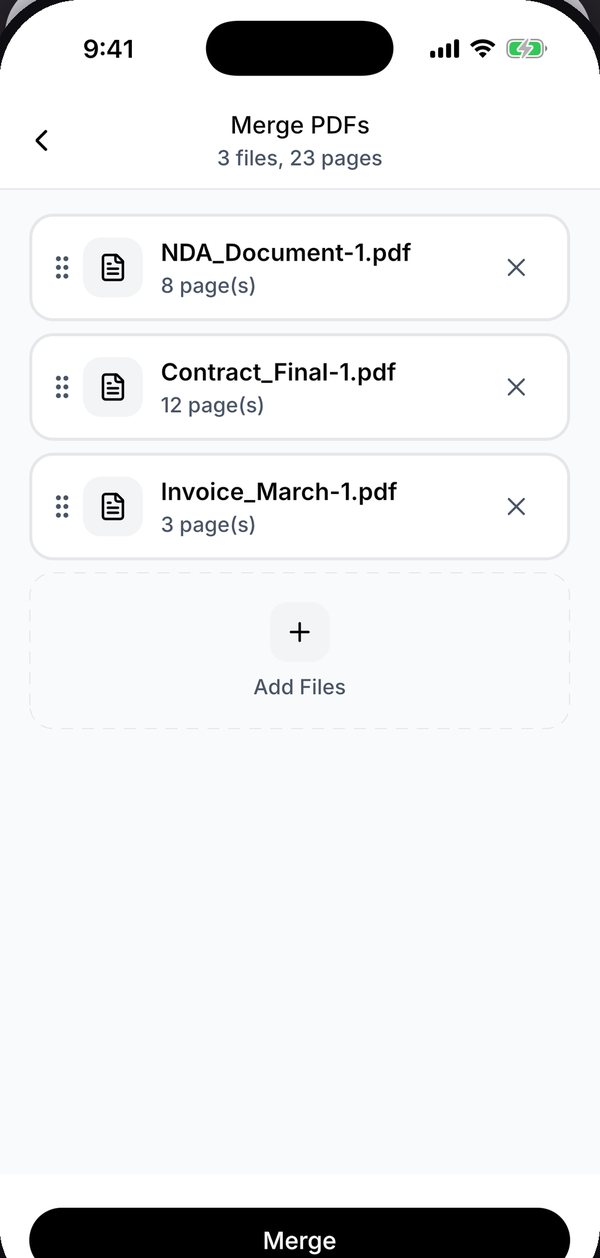
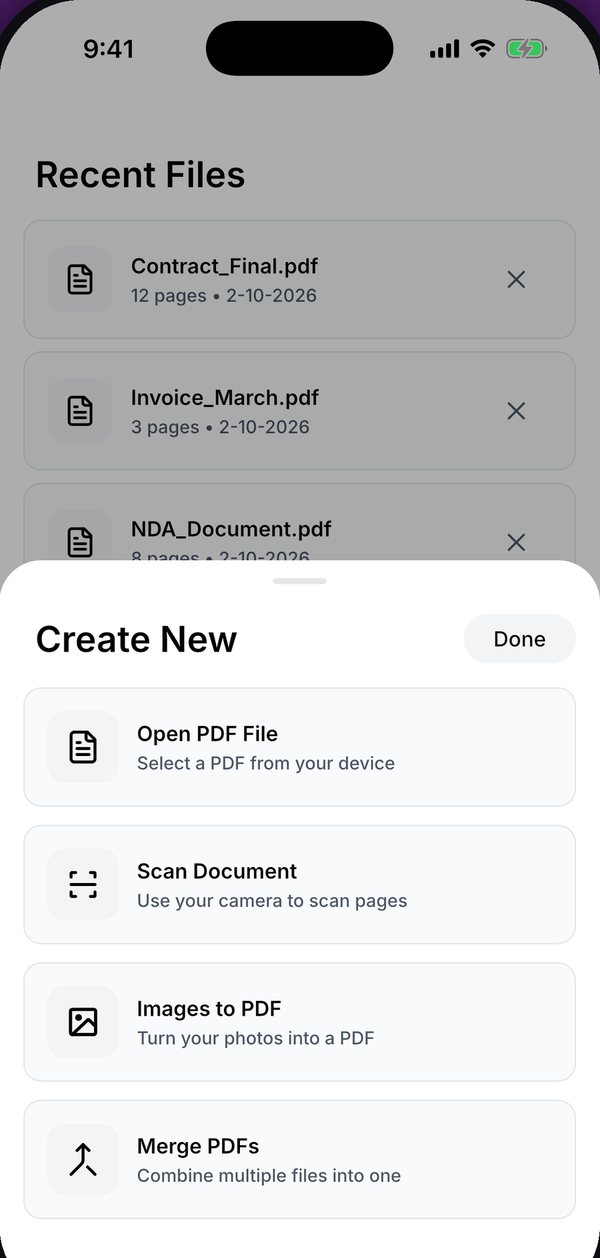
Add several PDFs at once, drag them into the order you want, and combine them into a single document.
 Kyneto PDF
Get the app
Kyneto PDF
Get the app
Kyneto PDF merges, splits, compresses, signs, scans and annotates documents right on your device. No account, no upload, no desktop.
Every tool runs on the device. Open a file on a plane or in a basement and it works exactly the same.
Add several PDFs at once, drag them into the order you want, and combine them into a single document.
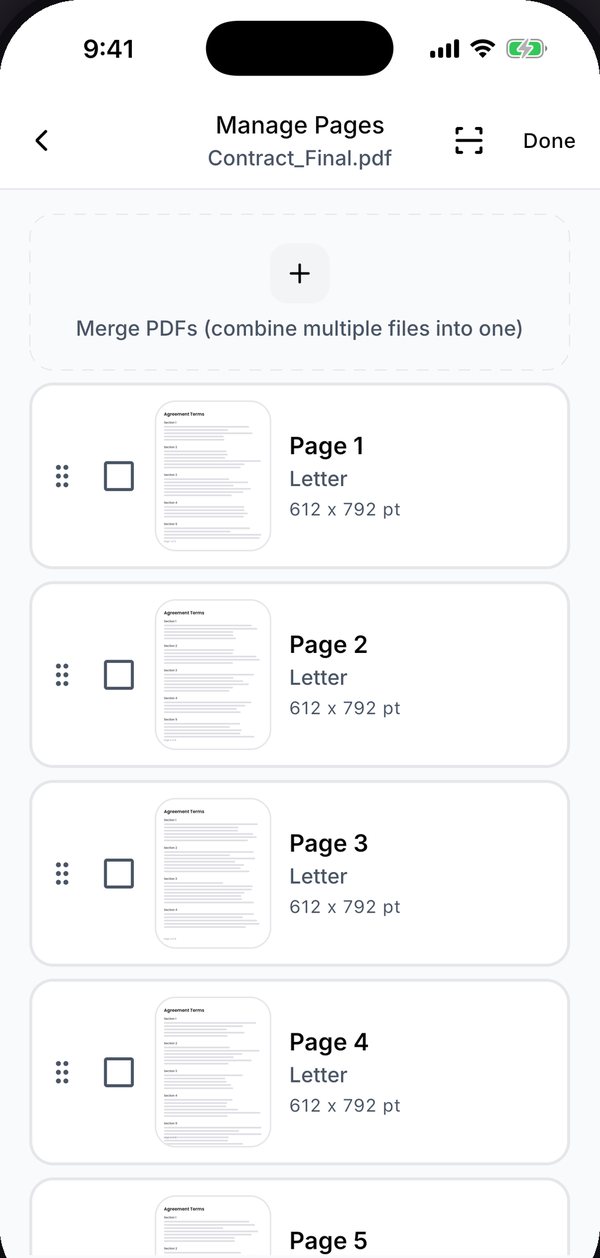
Lay the document out page by page, multi-select to delete pages, drag to reorder, rotate a sideways scan upright.
Draw your signature once and reuse it forever. Fill text fields, checkboxes, radio buttons and dropdowns, then export.
The camera finds the page edges and straightens the shot. On-device OCR adds a searchable text layer you can copy from.
Split by page ranges, every N pages, or one file per page — or extract only the pages you select as a new document.
Enter the size you are allowed — 5 MB for a web form, 2 MB for a portal — and see the estimate before the file is touched.
Open a password-protected PDF with its password, then remove the password so the copy you share opens with no prompt.
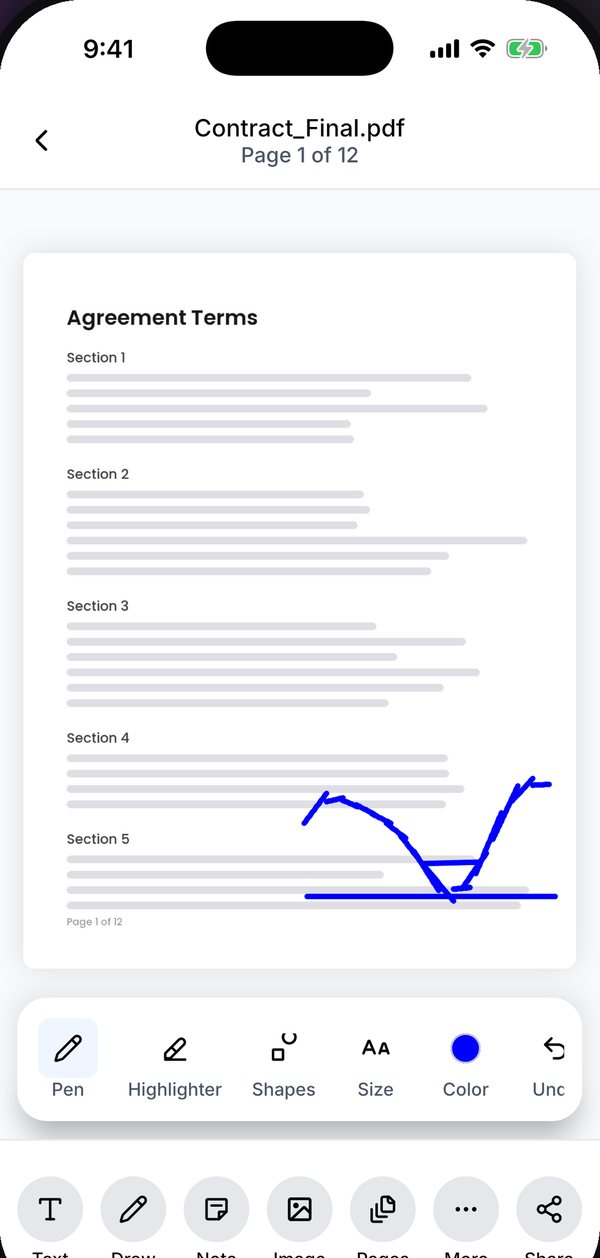
Add a text box, draw freehand, use the highlighter, drop shapes, sticky notes, images or stamps anywhere on the page.
Stamp a text or image watermark across every page, and add page numbers with the position and start number you choose.
Turn photos into a PDF at the page size you pick, export pages as JPG or PNG, or save the images embedded in a PDF.
 Private by architecture
Your documents never reach a server. There is no server.
Merging, splitting, compressing, signing and OCR all run on your phone. There is no account, so no server ever sees your ID, your payslip or your contract.
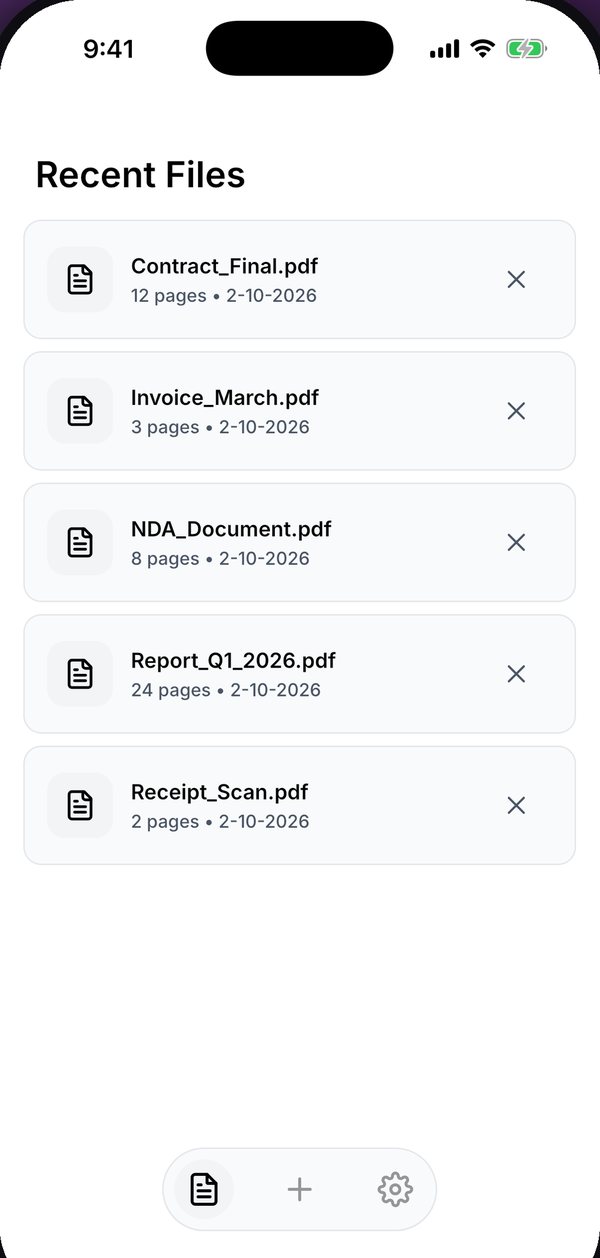
Pick a PDF from your files, or point the camera at a document and let the scanner straighten it.
Merge, split, compress, sign, annotate or number the pages. Nothing leaves your phone while you work.
Export the finished document or the pages as images, and send it straight from the app.
Yes. Merging, splitting, compressing, signing, scanning and OCR all run on your device, so the app works the same with no connection at all.
No. There is no sign-up and no login. Open the app and start working on a file.
Open Kyneto PDF, choose Merge, add the PDFs you want to combine, drag them into the order you need and export the merged document.
Splitting cuts a PDF into several separate files — by page ranges, every N pages, or one file per page. Extracting keeps only the pages you select and saves them as one new document.
Yes. Open the protected file with its password, then remove the password so the copy you save and share opens without a prompt. The password never leaves your phone.
Kyneto PDF is free to download and try. The free tier limits how many documents you can export; a subscription unlocks unlimited exports.
Free to download. No account, nothing uploaded.